Pilot 10–15 Clients: Secure, Accessible White Label Portal for Clubs
Published 5 October 2026

A launched white label portal is a fully branded, secure client interface that replaces routine client touchpoints like email threads and phone calls. The first decision is whether you configure an existing platform or commission a custom build, and the next step is running a scoping checklist or booking a demo before you commit either way.
TL;DR:
- Ensuring strict tenant isolation through role-based access control and testing API requests prevents clients from accessing each other’s data.
- Verifying a custom domain, email sender identity, and consistent branding across the portal interface is essential to fulfill true white label branding.
- Conducting accessibility checks like contrast ratios and focus indicators, and ensuring session re-authentication preserves data, are critical pre-launch requirements.
- Running a pilot with a small client group and staggering invitations helps identify issues early and boosts portal adoption.
- Prioritizing security, access control, and usability testing before polish elements avoids common launch failures and legal liabilities.
Table of Contents
- What a white label portal is and what success looks like
- Key elements and features to include when planning the portal
- Technical and security requirements: multi-tenancy and access control
- Branding, custom domains and email identity: three layers to verify
- Accessibility and usability acceptance tests
- Practical launch checklist: pilot, invite, verify, iterate
- Adoption tactics: making the portal the default channel
- How LevelUp360HQ approaches white labelling for sports clubs
- What actually matters when you launch a white label portal
- See a demo before you commit to a build
- FAQ
- Sources
What a white label portal is and what success looks like
A white label portal is a client-facing application you brand as your own: your logo, your colours, your domain and your tone of voice, even though the underlying software may come from a vendor. A good launch is judged by what the portal does for daily work, not how polished the login screen looks.
Three outcomes tell you the launch worked:
- Clients recognise the portal as part of your brand within seconds, not as a third-party tool with your logo pasted on top.
- Routine requests such as document uploads, approvals and status checks move into self-service workflows inside the portal.
- Each client’s data stays logically separate from every other client’s, even though they share the same infrastructure.
Most teams run a pilot with a small group of clients for several weeks, then stage a wider rollout over the following period. Rushing straight to a full rollout is the most common cause of support overload in week one.
Key elements and features to include when planning the portal
Before you brief a vendor or write an RFP, decide which functional pieces are non-negotiable. Treat this as a checklist, not a wish list:
- Authentication and roles: individual logins, role-based permissions, and a clear separation between admin, staff and client accounts.
- Document management: secure upload, versioning and sharing, with permissions that follow the document rather than the folder.
- Communication and notifications: in-portal messaging plus email or push alerts so clients do not need to log in just to check for updates.
- Dashboards and reporting: a home screen that shows the client their own status, progress or performance at a glance.
- Payments and subscriptions, where relevant to your business model.
- Integration points: an API for custom connections, single sign-on where your clients already use corporate identity systems, and links to existing CRMs so you are not duplicating data entry.
Specify these in writing before evaluation starts. A platform that looks polished in a demo but lacks API access or proper role separation will cost you more to retrofit than to choose correctly the first time.
Technical and security requirements: multi-tenancy and access control
The part of a white label launch that rarely shows up in a sales demo is also the part most likely to cause damage if ignored: tenant isolation. When multiple clients share one platform, access control has to be designed deliberately rather than assumed. NIST SP 800-210 sets out guidance for exactly this situation, recommending least-privilege access, a clear split between administrator and customer roles, and regular permission reviews.
Before launch, work through this sequence:
- Confirm the platform uses role-based (RBAC) or attribute-based (ABAC) access control, not a flat permissions model.
- Review every administrator account and strip permissions that are not strictly needed.
- Test the API and direct URL requests, not just the interface, to confirm one tenant cannot retrieve another tenant’s records.
- Check the contract for data ownership, export rights, audit log access and incident response responsibilities.
Pro Tip: Ask your vendor to show you a failed cross-tenant access attempt in a sandbox, not just describe the control in a datasheet.
The buying decision should weigh governance, auditability and export rights more heavily than how the login page looks.
Branding, custom domains and email identity: three layers to verify
A portal that looks branded on screen but still sends email from the vendor’s domain is not actually white labelled. Three separate surfaces need checking, and each one can fail independently of the others:
- Portal UI: logo, colour palette, typography and navigation labels applied consistently across every screen, not just the login page.
- Domain: a custom domain (portal.yourbrand.com) rather than a vendor subdomain, with DNS records verified and the certificate issued correctly.
- Sender identity: a verified sending domain so notification emails arrive from your address, pass authentication checks and do not land in spam.
The common trap is approving a branded mock-up of the login screen and assuming the rest follows. It rarely does. Test a password reset email, a notification, and a deep link from a client’s inbox before you call branding finished.
Accessibility and usability acceptance tests
Branding exercises can quietly break usability if colours are swapped in without testing. The WCAG 2.2 Level AA baseline sets concrete, testable targets that belong in your acceptance criteria, not an afterthought once the portal is live.
Build these into sign-off:
- Text contrast of at least 4.5:1 for normal text and 3:1 for large text, checked against your actual brand palette, not a generic theme.
- Visible focus indicators on every interactive control, checked with a keyboard, not just a mouse.
- Sessions that expire without losing entered data on re-authentication, per WCAG success criterion 2.2.5.
- Touch and click targets large enough to use reliably on a phone screen.
Run these checks on the client-branded theme itself, since a palette that passes contrast in the vendor’s default theme can fail once your colours are applied.
Practical launch checklist: pilot, invite, verify, iterate
A controlled rollout beats a big-bang launch every time. Work through these steps in order:
- Prepare launch materials: welcome messaging, a quick-start guide, help content and invitation templates, plus a tidy set of migrated documents clients will actually need on day one.
- Run a small pilot with a handful of friendly clients before opening access more widely.
- Verify domain and email identity, run the tenant isolation tests, and confirm accessibility checks pass, all before sending a single invitation.
- Stagger invitations for the wider rollout rather than inviting everyone at once, so onboarding issues surface with a small group first.
- Monitor closely in week one and route support questions to a dedicated contact rather than a general inbox.
Pro Tip: Send pilot invitations in batches of 10 to 15 clients, not all at once, so you can fix a confusing onboarding step before it reaches everyone.
Skipping the verification step to hit a launch date is the single most common reason portals get a poor reception in their first week.
Adoption tactics: making the portal the default channel
A launched portal that nobody uses has not actually replaced anything. Shift behaviour deliberately rather than hoping it happens:
- Redirect routine requests, such as “can you send me that file”, straight into the portal instead of answering them the old way.
- Offer a short guided tour on first login and nudge users at natural milestones rather than front-loading all the training at once.
- Give early adopters a small incentive or recognition to create visible momentum for everyone else.
- Train your own staff first: a portal only replaces email once your team stops defaulting to email.
- Track simple adoption numbers, such as login frequency and the share of requests handled in-portal versus by email.
How LevelUp360HQ approaches white labelling for sports clubs
Within athlete development, we built white label branding directly into our club tools: clubs and academies run their own branded platform while we handle the CRM, subscription management, store integrations and monetisation features underneath. Coaches get video assessment workflows and session management, while athletes see their own branded player cards and progression inside a portal that carries the club’s identity, not ours.

What actually matters when you launch a white label portal
Most launch advice obsesses over the visual layer: logo placement, colour matching, a polished welcome email. That is the easy part, and it is rarely where launches actually fail. The portals that struggle after week one almost always have a tenant isolation gap, a broken re-authentication flow, or an accessibility problem nobody tested until a client complained.

The conventional advice sequence, brand first and test later, gets the order backwards. Access control and accessibility are acceptance criteria, not polish you add once the interface looks right. A portal with perfect branding and a cross-tenant data leak is a liability with good typography.
If you take one thing from this: treat the NIST-style access control checks and the WCAG contrast and re-authentication tests as launch blockers, on the same list as your logo and domain setup, not as a follow-up sprint. Prioritise tenant testing and accessibility sign-off before you worry about whether the welcome email reads warmly enough.
— Chris
See a demo before you commit to a build
If you run a sports club or academy and recognise the branding, security and onboarding questions above, we cover them inside one platform rather than a custom build. Before booking a demo, gather your branding assets and a rough pilot group so we can walk through your specific setup.
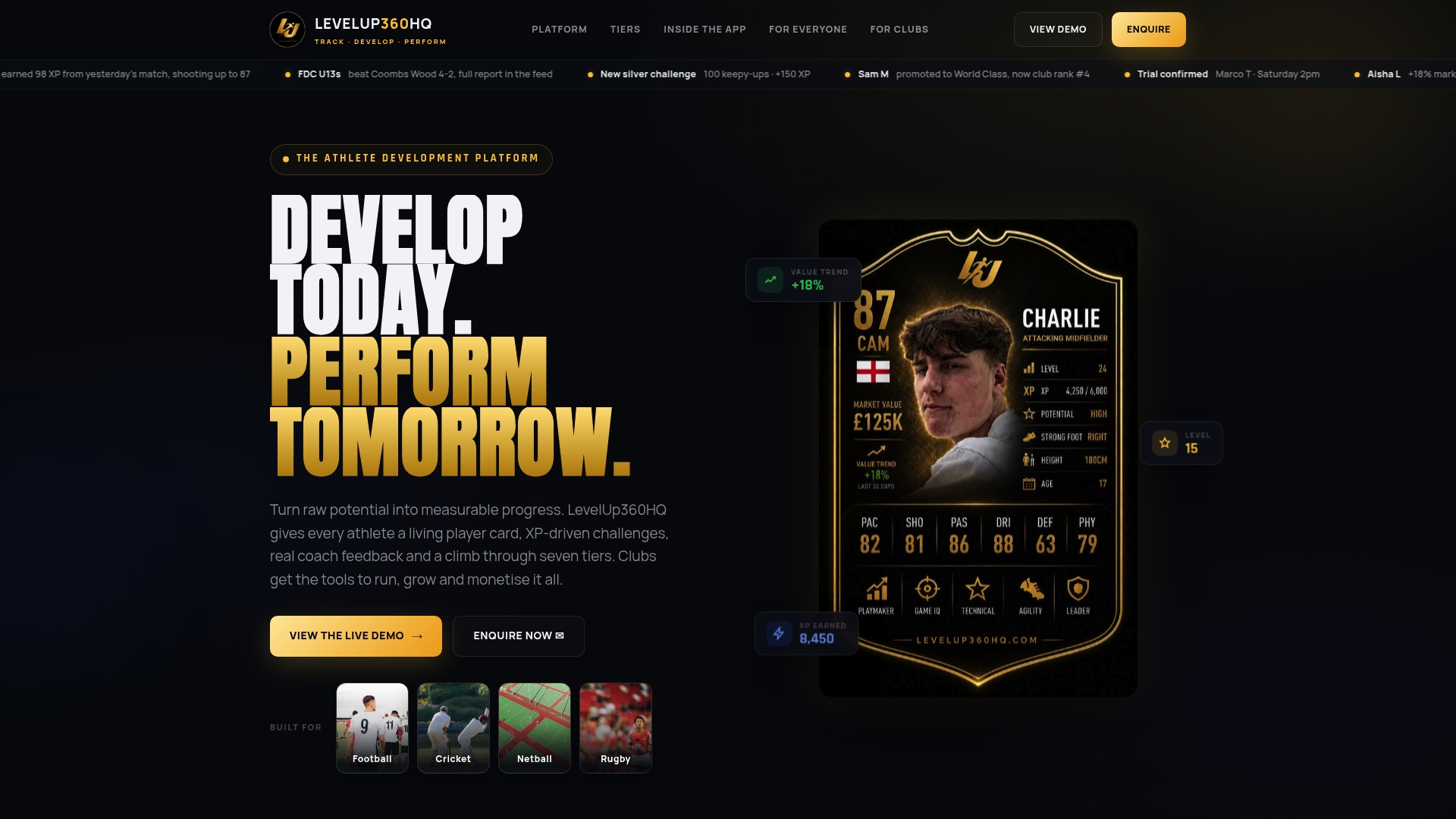
Our Pro plan runs at £49 per month, with an active athlete platform fee of £1.50 per month per active athlete; revenue share pricing is available on request. See the full platform overview for what sits behind the branded layer.
FAQ
What is a white label portal?
A white label portal is a client-facing application branded entirely as your own, including logo, colours and domain, while the underlying software may be built by a vendor. Clients interact with your brand throughout, even though a third party maintains the platform.
How long does it take to launch a white label portal?
A typical pilot runs two to four weeks with a small group of clients, followed by a staged rollout over the following month. The exact timeline depends on how much branding, integration and data migration work is needed before the pilot starts.
How do you stop one client seeing another client’s data?
Tenant isolation relies on access control designed around roles and attributes, following guidance such as NIST SP 800-210, rather than being assumed from shared infrastructure. Testing must include direct API and URL requests, not just the visible interface, to confirm separation actually holds.
What accessibility standard should a portal meet?
WCAG 2.2 Level AA is the standard baseline, requiring 4.5:1 contrast for normal text, 3:1 for large text, and sessions that preserve entered data through re-authentication. These checks belong in acceptance testing before launch, not after a client reports a problem.
Does LevelUp360HQ support white label branding for clubs?
Yes, white label branding is built into our club tools alongside CRM, subscription management and store integrations. Pricing starts with the Pro plan at £49 per month plus a per-athlete platform fee.
Sources
Turn potential into a player card.
LevelUp360 tracks every match, builds your child's player card, and shows their development over time.
Get started free